LinkLab
Free Deep Link Generator for Messaging & Social Platforms
Role: Independent Developer Duration: 2026 (completed) Repository: https://github.com/Kalyan-velu/link-lab
Overview
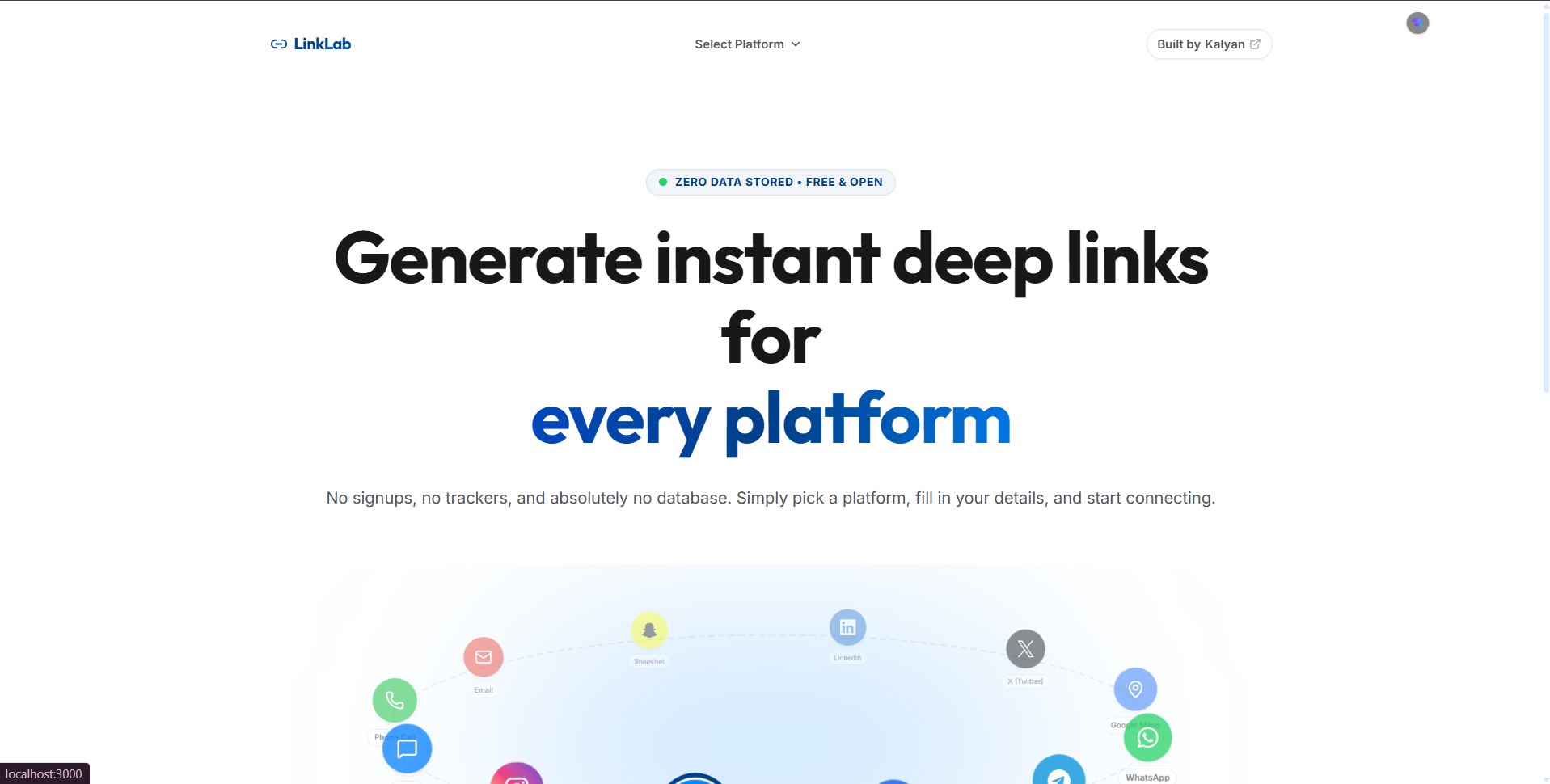
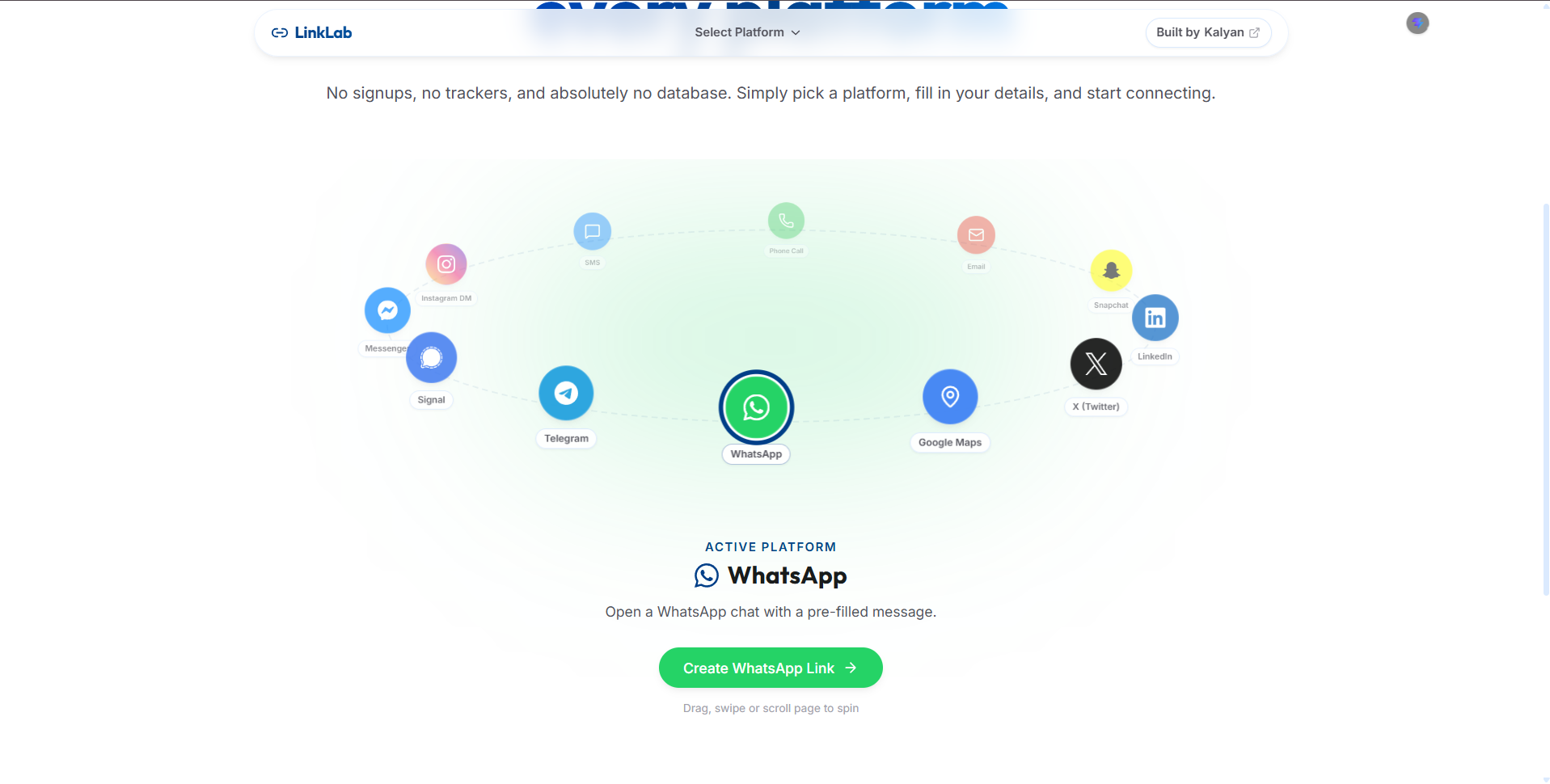
LinkLab is a free browser-based tool that generates ready-to-share deep links ΓÇö for opening a direct chat, viewing a profile, or creating a post/share dialog ΓÇö across a wide range of messaging and social platforms: WhatsApp, Telegram, Signal, Facebook Messenger, Instagram, SMS, Phone, Email, Snapchat, LinkedIn, X (Twitter), and Google Maps.
Unlike most link-generator tools, which tend to hardcode one or two formats and stop maintaining them, LinkLab is built around a configuration-driven generator system, and every supported link format is verified against each platform’s actual documented (or empirically confirmed) behavior rather than assumed from convention.
The Challenge
Deep link formats across messaging and social platforms are inconsistent, poorly documented in one place, and change over time:
- Every platform exposes a different URL scheme (
https://wa.me/,tg://,mailto:,skype:, intent-based web URLs, etc.), each with its own quirks - Some platforms support multiple link types (direct message, profile view, post/share creation) while others only expose one or two of these publicly
- Popular “guides” online frequently repeat outdated or simply incorrect formats (for example, treating a username as valid input where a numeric ID is actually required, or generating links for apps that have since been discontinued)
- There was no single, structured place to generate, explain, and QR-encode these links without third-party trackers or paid tiers
The goal was to build a tool that gets these details right platform-by-platform, explains why each format works the way it does, and stays maintainable as platforms change.
My Responsibilities
As the sole developer on this project, I owned the full stack ΓÇö architecture, UI, content, and platform research.
My work included:
- Designing a configuration-driven generator architecture so each platform is a small, self-contained config object rather than a hardcoded UI branch
- Researching and verifying each platform’s officially documented deep-link formats (developer docs, RFCs, and confirmed real-world behavior) for direct-message, profile, and post/share link types
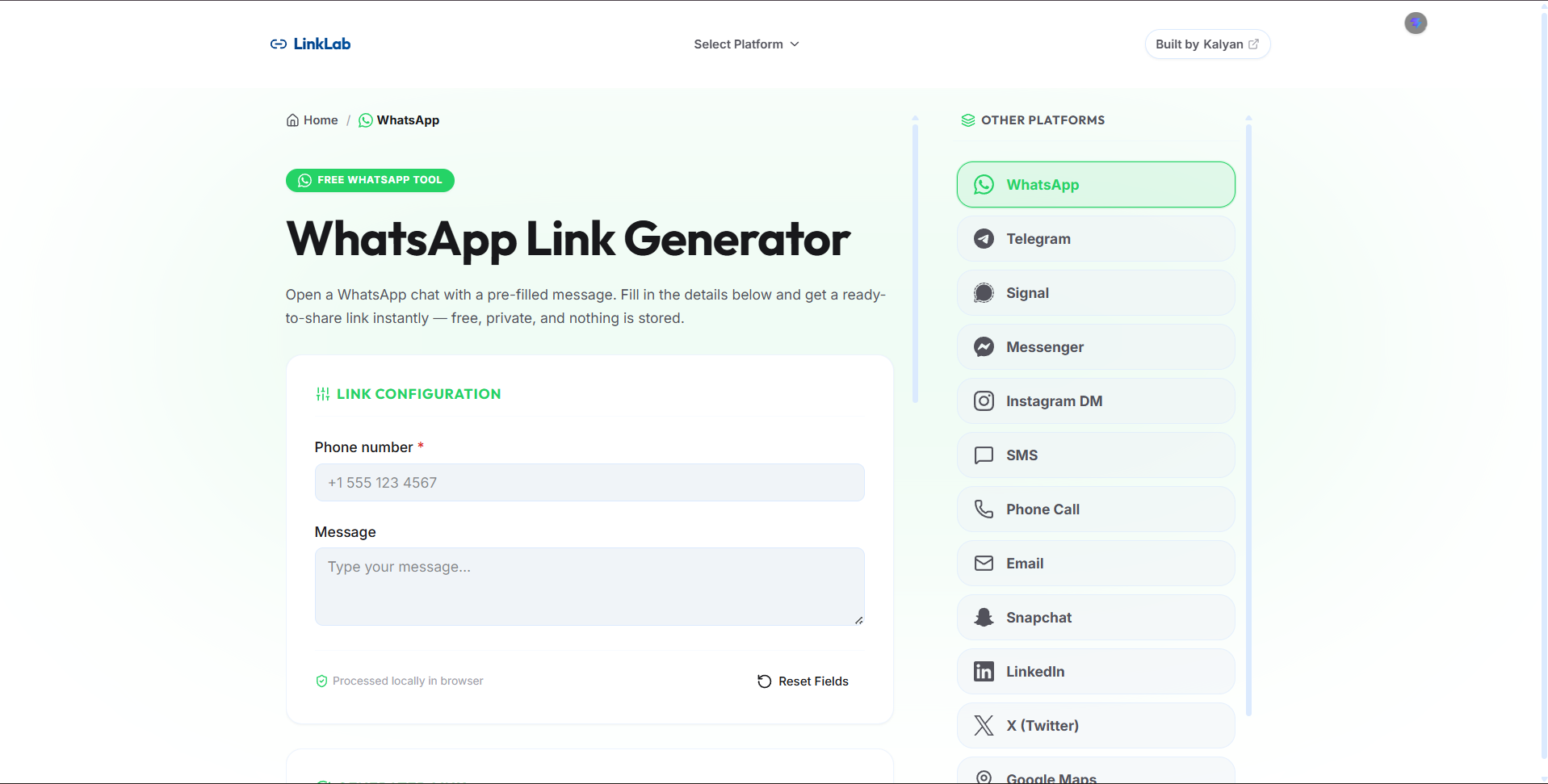
- Building the shared field/validation system, the dynamic link-type tabs, and the results UI (copy-to-clipboard, QR code preview, technical spec explanation)
- Writing unit and component tests (Vitest +
@nuxt/test-utils) covering every generator’s output - Auditing existing generators for correctness bugs and retiring generators for platforms that no longer function (e.g. Skype, after its consumer app was discontinued)
Solution
Configuration-Driven Generator System
Each platform is defined as a single GeneratorConfig object ΓÇö its fields, validation rules, and a generate() function ΓÇö and registered in one place. Platforms that support more than one link type (e.g. WhatsApp DM vs. Facebook DM/profile/post-share) declare typeFields, typeTemplates, and typeExplanations per type, so the same UI (dynamic tabs, form fields, and technical-spec card) adapts automatically without any platform-specific UI code.
Adding a new platform, or a new link type for an existing one, is a matter of adding a config file ΓÇö not touching the form, validation engine, or results UI.
Multi-Type Link Support
Where a platform genuinely supports it, LinkLab generates:
- Direct message links ΓÇö e.g. WhatsApp’s Click-to-Chat (
wa.me), Telegram’st.me/{username}?text=, Messenger’sm.me - Profile links ΓÇö e.g. Instagram, LinkedIn, Snapchat’s add-friend link
- Post/share links ΓÇö e.g. X’s Tweet Intent, Facebook’s Share dialog, LinkedIn’s share-offsite endpoint, Telegram’s share dialog
Where a platform does not publicly expose one of these (for example, Instagram has no public “create post” URL, and WhatsApp has no profile-view link), the tool simply doesn’t offer that option rather than faking a broken one.
Technical Spec Explanations
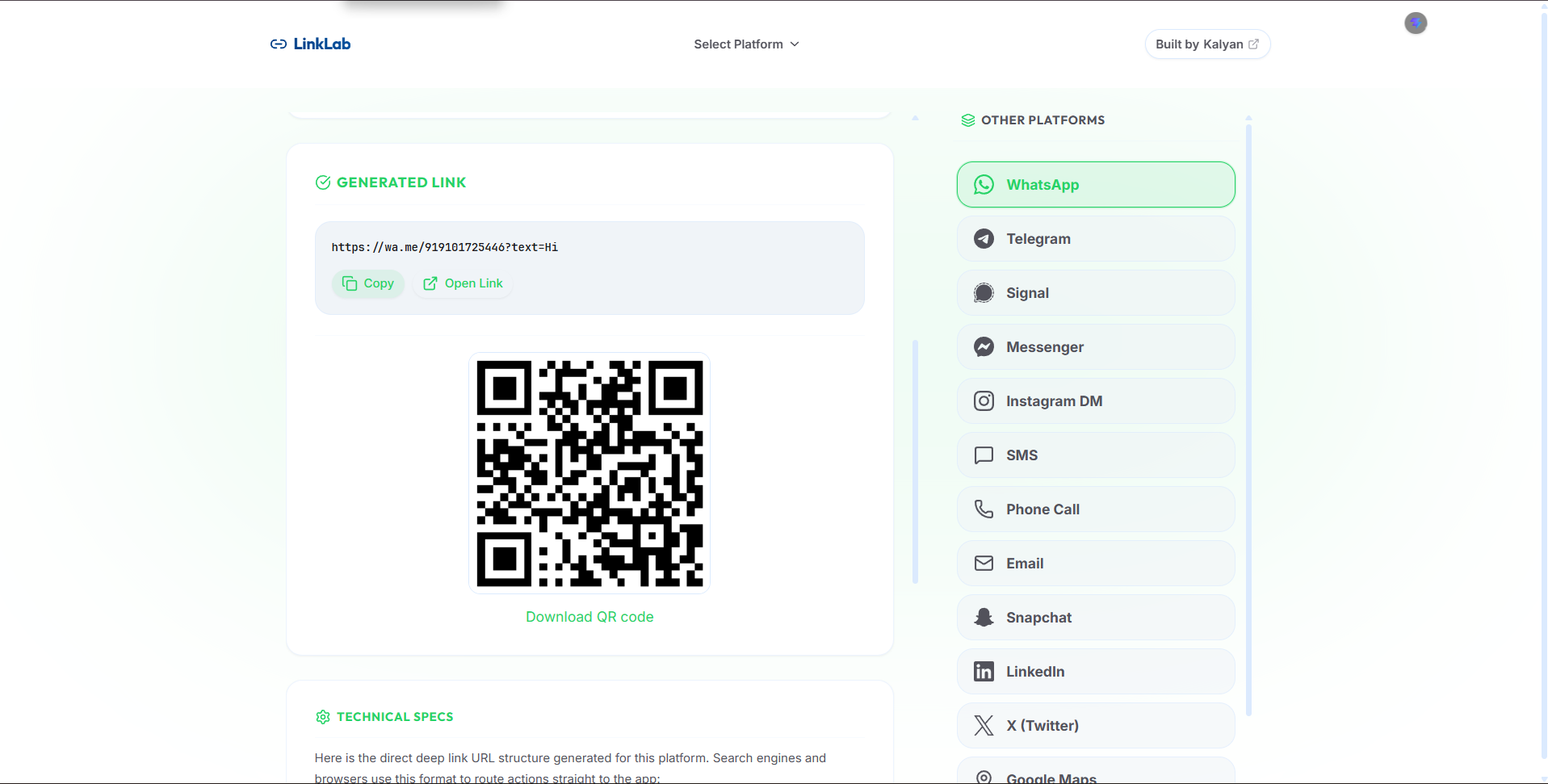
Every generated link ships with a “Technical Specs” panel showing the exact URL template and a plain-language explanation of the underlying protocol or API ΓÇö RFC references for mailto:/tel:/sms:, the relevant developer docs for platform-specific intents, and explicit callouts when a parameter is a well-known convention rather than an officially documented one.
QR Codes & Zero Persistence
Every generated link is instantly rendered as a scannable QR code. Nothing typed into the form ΓÇö phone numbers, messages, usernames ΓÇö is ever persisted, even to localStorage; all state lives in memory for the current session only.
SEO-Optimized Per-Platform Pages
Each platform has its own dedicated route (/generators/<id>) with unique title, description, and structured metadata, so the tool is directly discoverable from search engines for platform-specific queries (e.g. “WhatsApp link generator”).
Technical Highlights
Frontend
- Nuxt 4
- Vue 3 + TypeScript
- Tailwind CSS via
@nuxt/ui
Testing
- Vitest (unit tests for every generator’s URL output)
@nuxt/test-utils(component-level tests for the UI)
Other
- QR code generation
- Nuxt SEO utilities (
useSeoMeta, canonical URLs, Open Graph/Twitter metadata)
Key Technical Decisions
Configuration Over Code
Every platform’s format lives in a typed config object rather than a switch statement or conditional UI. This kept the codebase flat and made it trivial to review platform-by-platform correctness ΓÇö and to remove a platform (Skype) cleanly when it stopped being relevant.
Verify, Don’t Assume
Rather than trusting commonly-copied link formats, each generator’s link types were checked against current official developer documentation (or clearly labeled as a confirmed-but-undocumented convention). This surfaced and fixed real bugs ΓÇö like mailto: encoding spaces as + instead of the RFC-correct %20, and X’s DM composer silently requiring a numeric user ID rather than a username.
Session-Only State
No backend, no database, no analytics on form input. Field values persist only in memory for the current tab, which keeps the tool trustworthy for something as sensitive as phone numbers and message drafts.
What I Learned
This project strengthened my experience in:
- Designing configuration-driven, platform-agnostic architectures that scale without code branching
- Reading and reconciling official API/developer documentation across a dozen different platforms
- Distinguishing “commonly used” from “officially documented” behavior, and building safeguards (tests, explanatory copy) around that distinction
- Building SEO-friendly, per-route metadata at scale in Nuxt
- Making deliberate privacy trade-offs (zero persistence) even where analytics would have been easy to bolt on